mosaik — Blog

mosaik 3.7 released

The mosaik team is in seventh heaven to announce the release of mosaik 3.7.0!

This release brings more control over external simulator processes, clearer diagnostics, scheduler fixes and performance improvements, refreshed documentation, and updated platform support. Below you’ll find an overview of the most notable additions and fixes.

More Control over Simulator Processes

Simulators started with CmdStarter are now managed using Python’s asynchronous subprocess infrastructure, integrating them more cleanly with mosaik’s asyncio-based architecture.

The new termination_manager option gives you more control over what happens to a simulator process when mosaik shuts down. You can let mosaik terminate the process automatically, optionally with a timeout, or allow the process to keep running:

from mosaik.process_termination_managers import auto_terminate
from mosaik.starters import CmdStarter

starter = CmdStarter(
    "python simulator.py %(addr)s",
    termination_manager=auto_terminate(timeout=5),
)

The existing auto_terminate option remains available for backwards compatibility. In addition, the new stdout and stderr parameters make it possible to redirect or suppress a simulator’s output.

More information is available in the CmdStarter API reference and the process termination manager reference.

Trace Simulator Calls

Calls between mosaik and simulators can now be traced in both directions at Loguru’s TRACE level. The trace records arguments, return values, and exceptions and identifies the relevant simulator, making it easier to follow interactions and isolate problems in complex scenarios. See How to trace simulator calls for configuration instructions and an example.

Clearer and More Specific Errors

mosaik now provides dedicated exception classes for many common scenario and simulation errors. Instead of relying mainly on generic ScenarioError and SimulationError messages, applications can now distinguish between problems such as invalid simulator configurations, duplicate simulator IDs, connection errors, invalid step times, and simulator start failures.

This makes errors easier to understand and also allows applications to handle specific failures programmatically. An overview of the new exception hierarchy is available in the mosaik exceptions API reference.

Reports of dataflow cycles have also been improved. Instead of listing only the simulators involved, mosaik now shows the entity and attribute connections that form the cycle:

Your scenario contains a cycle:
- A.0.0.val_out -> B.0.0.val_in
- B.0.0.val_in -> A.0.0.val_out

This should make accidental cycles considerably easier to locate and resolve.

More Reliable Progress Calculation

The scheduler now correctly considers a predecessor simulator’s current step when calculating simulation progress.

Previously, a simulator that was still executing a blocking step could under certain circumstances cause mosaik to calculate an incorrect progress bound and attempt to move backwards in simulation time. This has been fixed, improving the reliability of scenarios containing blocking or slow-running simulators.

Scheduler Performance Improvements

Several internal scheduling operations have been streamlined to address a performance regression. Dependency waiting now avoids unnecessary task creation, completed progress futures are cleaned up more efficiently, and operations on mosaik’s internal tiered-time representation have been optimized.

These changes reduce scheduling overhead, particularly in scenarios with many simulators and connections.

Python 3.12 Is Now Required

mosaik 3.7.0 raises the minimum supported Python version from Python 3.8 to Python 3.12.

This allows mosaik to use modern Python features and current versions of important dependencies. The project is now tested against Python 3.12, 3.13, and 3.14.

If your scenario still runs on Python 3.8 through 3.11, you will need to update your Python environment before upgrading to mosaik 3.7.0.

Updated and More Reliable Documentation

Large parts of the documentation have been reviewed and reorganized.

The updated mosaik ecosystem overview now provides clearer descriptions of available simulators, adapters, APIs, example scenarios, and supporting tools. The documentation for the high-level simulator APIs has also been restructured, with updated information for Python, Java, Julia, Matlab, C#, and Rust.

The troubleshooting section and API reference have been extended, while internal developer APIs are now separated more clearly from the public scenario API.

What’s Next?

mosaik 3.7.0 modernizes the project’s technical foundation while making simulations easier to debug, more reliable, and more efficient. The new process-management infrastructure and exception hierarchy also lay the groundwork for future extensions, whatever version numbers they will have.

As always, we invite you to try the new version, explore the improvements, and share your feedback or questions in the OFFIS-mosaik GitHub Discussions forum.

Happy simulating with mosaik 3.7.0!
Author: Malte Stomberg

mosaik 3.6 released

The mosaik team is overjoyed to announce the release of mosaik 3.6!

This release brings a collection of quality-of-life improvements, clearer error messages, and enhancements to the dataflow graph. Below you’ll find an overview of the most notable additions and fixes.

Improved Dataflow Graph for Groups

Understanding complex simulation setups becomes easier with an improved dataflow graph. mosaik 3.6 enhances how simulator groups are represented, showing you a colored representation of the simulator groups in your scenario. Check out the updated docs for an example visualisation.

Introducing Starters to make adding simulators easier

Our newly introduced _starters_ enable you to add simulators to your world without having to specify them in your SIM_CONFIG. Create an object of one of the starter classes PythonStarter, CmdStarter, or ConnectStarter and then call world.start(starter, sim_id). For example, to start the basic input simulator, you can use

from mosaik.basic_simulators import InputSimulator # … input_sim = world.start(PythonStarter(InputSimulator), “Input”)

This makes it easier to create scenarios with dynamically chosen simulators. If you start all of your simulators like this, you do not need a SIM_CONFIG anymore and you can create your world using World() instead of World(SIM_CONFIG). Of course, this feature is also available for AsyncWorld.

Check out the docs to learn more!

Entity Children Now Provided as a Dictionary

Entity children are exposed as a dictionary instead of a list. This makes lookups easier and avoids manual indexing.

Clearer Warnings and Error Messages

Several long-standing pain points related to confusing or missing warnings have been addressed, making debugging easier.

What’s Next?

mosaik 3.6 focuses on polishing the experience and reducing problems for developers. Although this release is feature-light, it lays groundwork for future extensions!

As always, we invite you to try the new version, explore the improvements, and share feedback or questions on GitHub Discussions.

Happy simulating with mosaik 3.6!

Author: Malte Stomberg

mosaik 3.5 released

The mosaik team is delighted to announce the release of mosaik 3.5!

This version introduces two powerful new features: transform functions for connections and the ability to pause and resume simulations. In addition to this, we have also restructured the documentation and completely rewritten the tutorial.

Transform functions: Adapting data on the fly

When connecting different simulators in mosaik, their inputs and outputs may not always align perfectly. Maybe one simulator uses watts while another expects megawatts, or one treats positive power values as generation while another considers them consumption. Previously, handling these differences required modifying the simulators themselves, or adding separate converter simulators. Now, with transform functions, simple conversions can be handled directly within the connection setup.

A detailed guide for using these transform functions can be found in the new how-to section of the mosaik docs.

Pausing and Resuming Simulations

In some scenarios, you may want to pause and resume a running simulation. This feature is particularly useful for inspecting intermediate results without terminating the simulation or when using graphical display tools such as WebViz. mosaik now provides a simple mechanism to pause and resume a simulation using an asyncio.Event.

This event can be triggered by both a manual input such as a keyboard key being pressed or by setting an automatic break at a certain simulation step.

Guides for setting up either of the two options can be found in the how-to section.

Other Improvements and Fixes

In addition to transform functions and pause/resume functionality, mosaik 3.5 includes several minor bug fixes and optimizations to improve stability and performance. As always, we encourage you to try out the new features and share your feedback on our GitHub discussions.

We hope this update makes your simulations smoother and more adaptable. Happy simulating with mosaik 3.5!

Author: Malte Stomberg

mosaik 3.4 released

The mosaik team is over the moon to announce the release of mosaik 3.4. This release brings some important bug fixes to the tiered-time system introduced in mosaik 3.3, and some new features that will hopefully help you in running your mosaik simulations more reliably.

First of all, we have made the internal async datastructures of mosaik available to you. This feature is intended for users who want or have to run mosaik in an existing asyncio event loop (for example, if you are running mosaik in a Jupyter notebook).

To profit from this, you can import AsyncWorld instead of World from the mosaik package. It is used similarly to World, except that many methods are now async and thus need to be called with await. This also means that you can run them asynchronously, for example, to start two simulators with long start-up times in parallel.

In addition to this, AsyncWorld is geared towards users who want to use mosaik as part of a larger project, and will not automatically print its greeting or logging. You can configure this by giving the skip_greetings and configure_logging keyword arguments when creating your AsyncWorld. These keyword arguments also exist for World, but the default values are different.

Second, both World and AsyncWorld are context managers now and can be used with a with or async with block, respectively. The advantage of this is that mosaik will keep the connection to the simulators open until the end of the block, instead of closing them in the run method. This way, you can still call extra methods on the simulators after the simulation, for example, to extract final results from the simulators.

Third, mosaik will automatically terminate processes that it started. This can be controlled by extending your SIM_CONFIG with the "auto_terminate" key, like so:

SIM_CONFIG: mosaik.SimConfig = {
MySim” : {

cmd”: “%(python)s mysim.py %(addr)s”,

auto_terminate”: False,

},

}

Last, there are some bug fixes related to the new tiered-time system. If you ran into “cannot progress backwards” errors or into errors that some times are “incomparable”, these should be fixed now. Please let us know if you still run into issues like these.

Author: Eike Schulte

Mosaik 3.3.0 beta released

Dear Co-Simulators,

The mosaik team is thrilled to announce that we have released mosaik 3.3 beta ! We want to give you the opportunity to test the new version at an early stage and give us feedback, so that we can improve the stable release.

⚠️ Be careful when testing the beta version, things may break! ⚠️

So, what’s new in mosaik 3.3?

The most notable change happens under the hood. We did an internal rework and refactoring of the time handling in mosaik. This shall increase the performance of mosaik noticeably - especially for scenarios with a huge amount of simulators - and also clarifies the implementation of the scheduling process. The scenarios that have worked with previous mosaik versions should work as before - nevertheless, we have already encountered an unexpected behaviour in certain scenarios which we are working on to fix. If you also encounter unexpected behaviour, let us know. This is what we have released the beta version for 🚀

We also have some other useful and more user-facing new features:

mosaik now provides a couple of basic simulators. These can be used to consume output, e.g., storing it in a dict or providing data, e.g., from a custom function.

A simulator can now be connected to itself if the connection is weak or time_shifted. This restriction is technically no longer necessary - now you have even more freedom creating your scenarios!

Last but not least, simulators can now return extra_info for created entities. This can, for example, be used for nominal voltages for nodes in a grid in a pandapower simulator.

Have fun with the new version! If you have feedback, write us a massage here on GitHub Discussions or if you find a bug, feel free to create an issue on GitLab.

Author: Tobias Brandt

GitHub Discussions for mosaik

We are proud to announce that you can now find us on GitHub 🥳. We are especially excited to welcome you to the Discussions feature where we want to get in contact with you 💬. You have a question, a feature request or want to generally discuss the amazing possibilities with co-simulation and mosaik? We are curious to hear from you! We still have our mailing list, but we see GitHub as the better place to exchange problems, solutions, and ideas. See you there!

Author: Tobias Brandt

Mosaik 3.2.0 released

The mosaik team is thrilled to introduce the latest release, mosaik 3.2. Now, let’s explore the new features.

One notable addition is the incorporation of a visualization tool to simplify understanding the debug information:

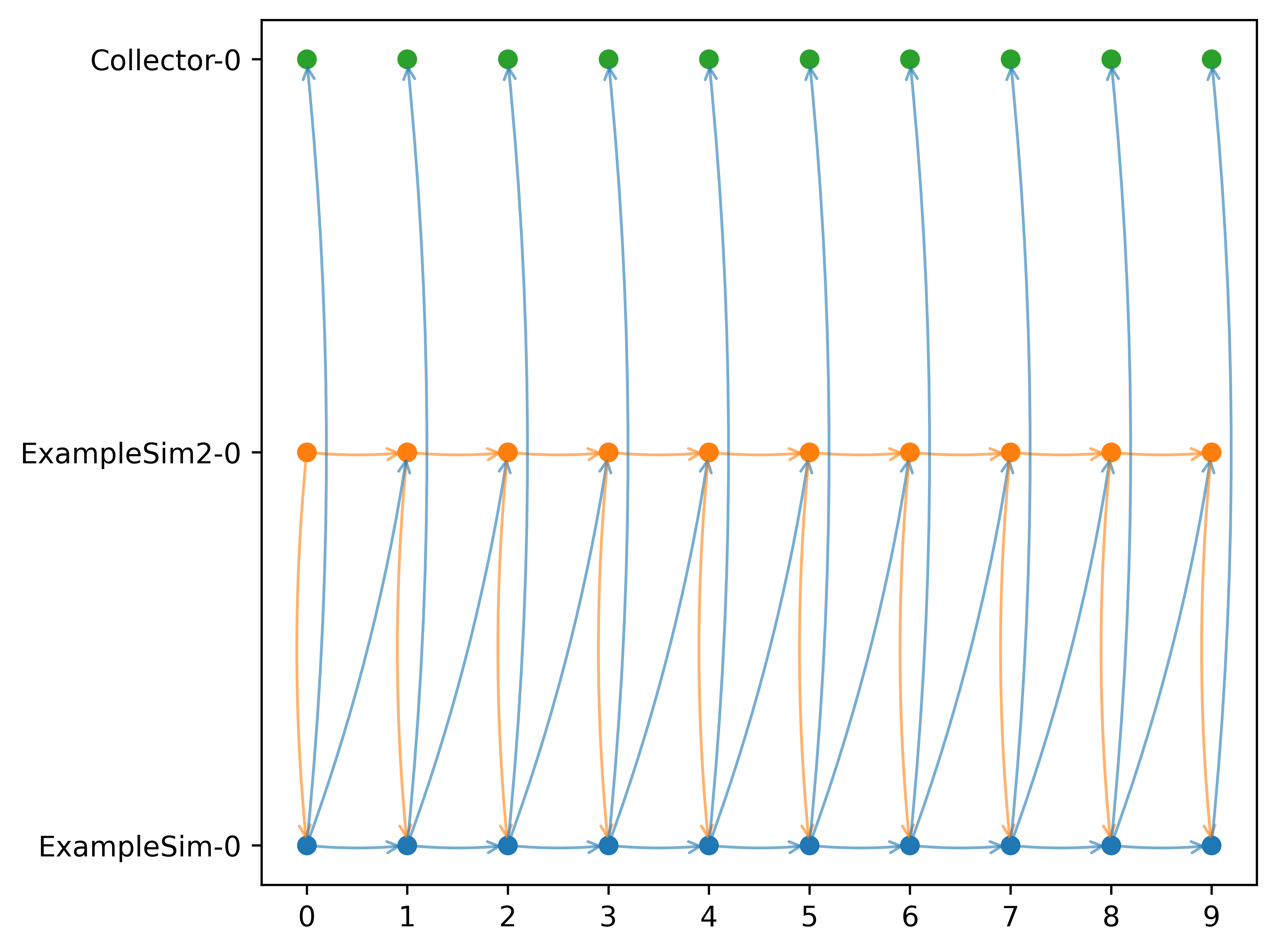
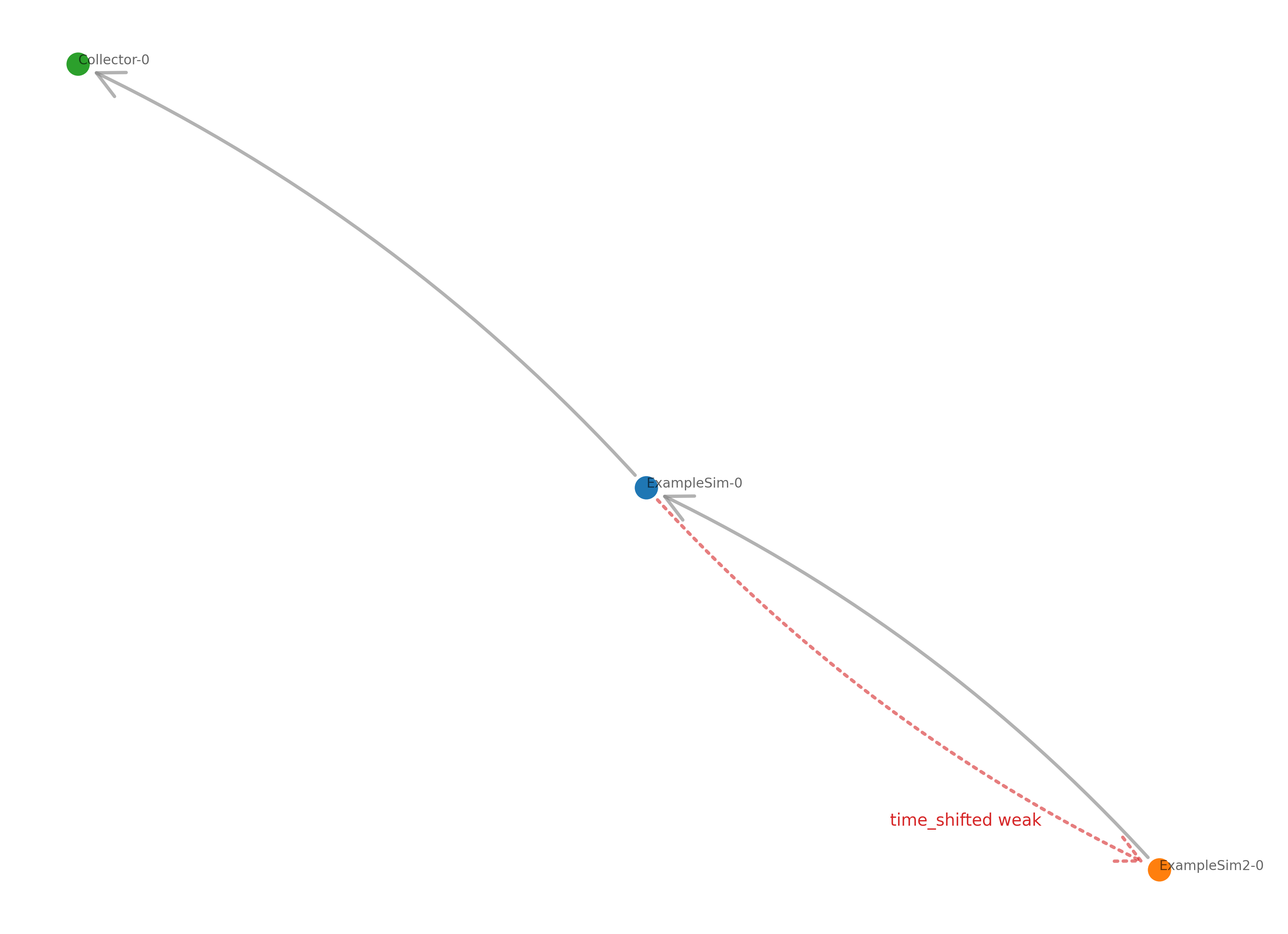
Among others, we included a dataflow graph, that shows the direction of the dataflow between simulators and if the connection is time-shifted/weak.

The execution graph shows the order in which the simulators are executed.

The execution time graph shows the execution time of the different simulators and you can also plot execution time per simulator.

We have an additional enhancement for Windows users: Starting now, you can open a new console window for simulators, providing a more comprehensive overview of the simulation process.

On another note, we made the decision to shift from SimPy to asyncio, primarily because of its more robust and active development. With this change, errors connected to a maximum packet size for messages between simulators should be fixed. We paid off a technical debt that we have carried for a long time.

In addition we released the mosaik-api-v3 in a seperate package. This will enable users to have simulators using different versions of the mosaik-api in the same virtual environment in the future. With this change we want to make it possible to continue the development of mosaik and its API without causing the users breaking changes with a new API release. The plan is that you can stay on your API version as long as the current mosaik version supports it and can develop new adapters with newer API versions or update your existing adapters one by one.

We also have some minor changes.

An overview of all changes, can be found in the issues in GitLab.

Have fun with the new version! If you see more potential to improve mosaik or find a bug, feel free to create an issue on GitLab.

Author: Deborah Tolk

page 1 of 5

older articles »